How to Design Location Maps for United States Clients
Designing location maps for U.S. clients is not just a cartographic task. It is a business communication exercise. Whether the map is used in a pitch deck, website, report, dashboard, or marketing collateral, U.S. clients expect maps to be clear, purposeful, brand-aligned, and decision-oriented. A technically accurate map that fails to communicate intent is still a bad map.
This article outlines a practical, step-by-step approach to designing effective location maps for U.S. clients, based on how maps are actually consumed in business settings.
Step 1: Define the business question before opening any tool
Every strong location map starts with a single, explicit question.
Examples include:
- Where are our customers concentrated?
- Which regions are underperforming?
- Where should we expand next?
- How does our footprint compare to competitors?
- Where are risks or gaps located?
U.S. stakeholders value efficiency. They do not want to interpret a map. They want answers. If you cannot write the map’s purpose in one sentence, the map is not ready to be designed.
This step prevents the most common mistake: creating a map first and deciding what it means later.
Step 2: Identify the audience and viewing context
A map designed for a U.S. executive boardroom is very different from one designed for:
- a public website
- a sales presentation
- an internal operations team
- an investor update
- a PDF report or print brochure
Before design begins, define:
- who will view the map
- how long they will look at it
- on what device or medium
- whether it needs to work in screenshots or print
U.S. business audiences often view maps briefly, on large screens, under time pressure. This means simplicity, strong hierarchy, and minimal detail are essential.
Step 3: Choose the right geographic scope
One of the most common design errors is choosing the wrong level of geography.
Ask:
- Does this map need national context, or just a few states?
- Should it show counties, metros, ZIP codes, or custom regions?
- Is continental U.S. enough, or do Alaska and Hawaii matter?
Many U.S. clients prefer maps that focus tightly on relevant regions rather than showing the entire country by default. Unnecessary geography dilutes attention.
Good practice is to zoom until the message becomes obvious. Empty space is not a problem. Confusion is.
Step 4: Decide between static and interactive early
Do not design a static map and then try to “upgrade” it to interactive later, or vice versa. The choice affects layout, hierarchy, and data density.
Static maps work best when:
- the message is fixed
- the map appears in decks, PDFs, or emails
- you want complete control over interpretation
Interactive maps work best when:
- users need to explore or filter
- multiple questions are being answered
- the map lives on a website or product
For many U.S. client deliverables, especially presentations and marketing pages, static maps outperform interactive ones because they load faster and communicate more clearly.
Step 5: Strip the basemap down aggressively
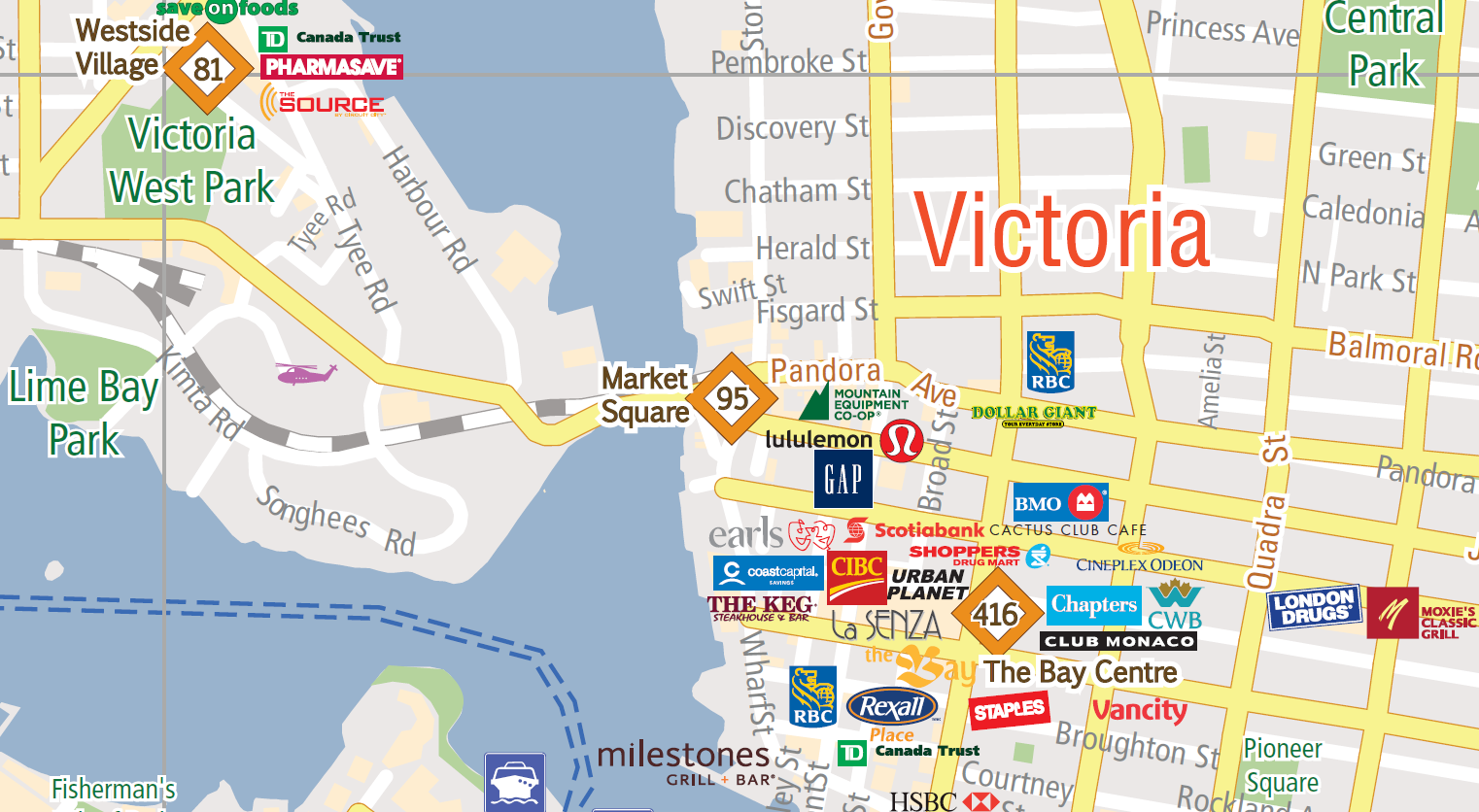
Default basemaps are designed for navigation, not communication.
For location maps aimed at U.S. clients:
- remove unnecessary roads, landmarks, and labels
- mute coastlines, borders, and terrain
- keep only what supports the message
A good rule is that the basemap should never compete with your data. If viewers notice the background before the signal, the map has failed.
Many professional map designers use custom, simplified basemaps for this reason.
Step 6: Establish clear visual hierarchy
Hierarchy is the most important design principle in business maps.
Ask:
- What should the viewer see first?
- What should they see second?
- What should fade into context?
This is achieved through:
- size
- color intensity
- contrast
- line weight
- opacity
U.S. clients respond well to maps where one element clearly dominates. One strong accent color is often enough. Everything else should support it quietly.
Avoid treating all data points equally. Equal emphasis suggests equal importance, which is rarely true in business.
Step 7: Use color with intent, not decoration
Color carries meaning, especially in U.S. business culture.
General guidance:
- Blue suggests stability and trust
- Red implies risk, loss, or urgency
- Green suggests growth or success
- Gray implies context or neutrality
Do not use multiple bright colors unless comparison is the explicit goal. Avoid rainbow palettes. Ensure sufficient contrast for projectors and color-blind viewers.
Always test maps on low-quality screens. If meaning disappears, the design is too subtle.
Step 8: Design labels and annotations as part of the story
Labels are not data dumps. They are narrative tools.
Instead of labeling everything:
- label only what matters
- use callouts to explain anomalies
- write titles that state conclusions, not descriptions
For example:
Weak title: “Customer Locations by State”
Strong title: “70% of Revenue Comes From Five States”
U.S. executives expect maps to make a point. Help them see it without guessing.
Step 9: Reflect business importance, not land area
Geographic accuracy does not always equal strategic accuracy.
A small metro area may matter more than an entire state. A single port may outweigh hundreds of miles of territory. Designers should adjust emphasis accordingly using:
- color saturation
- annotations
- inset maps
- callouts
This is especially important in U.S. maps, where land area varies dramatically and can mislead interpretation if left uncorrected.
Step 10: Ensure consistency across all materials
Maps are brand assets.
For U.S. clients, consistency signals professionalism and trust. This means:
- consistent color logic across maps
- consistent typography
- consistent geographic boundaries
- consistent level of detail
If a company’s charts follow brand guidelines but maps do not, the inconsistency is noticeable and damaging.
At maps and locations.com, we treat maps as part of the brand system, not isolated visuals.
Step 11: Validate with non-technical reviewers
Before delivery, test the map with someone who:
- did not work on it
- is not technical
- matches the target audience
Ask them one question: “What does this map tell you?”
If their answer does not match your intent, redesign. U.S. clients value clarity over effort. It does not matter how long the map took to make if it does not communicate instantly.
Conclusion: great U.S. location maps are designed, not generated
Designing location maps for U.S. clients requires more than tools and data. It requires understanding business context, audience expectations, and visual communication.
The best maps:
- answer one clear question
- guide interpretation
- reduce cognitive load
- align with brand
- support decisions
When maps are designed with intent rather than assembled from defaults, they become powerful business assets instead of decorative graphics.