
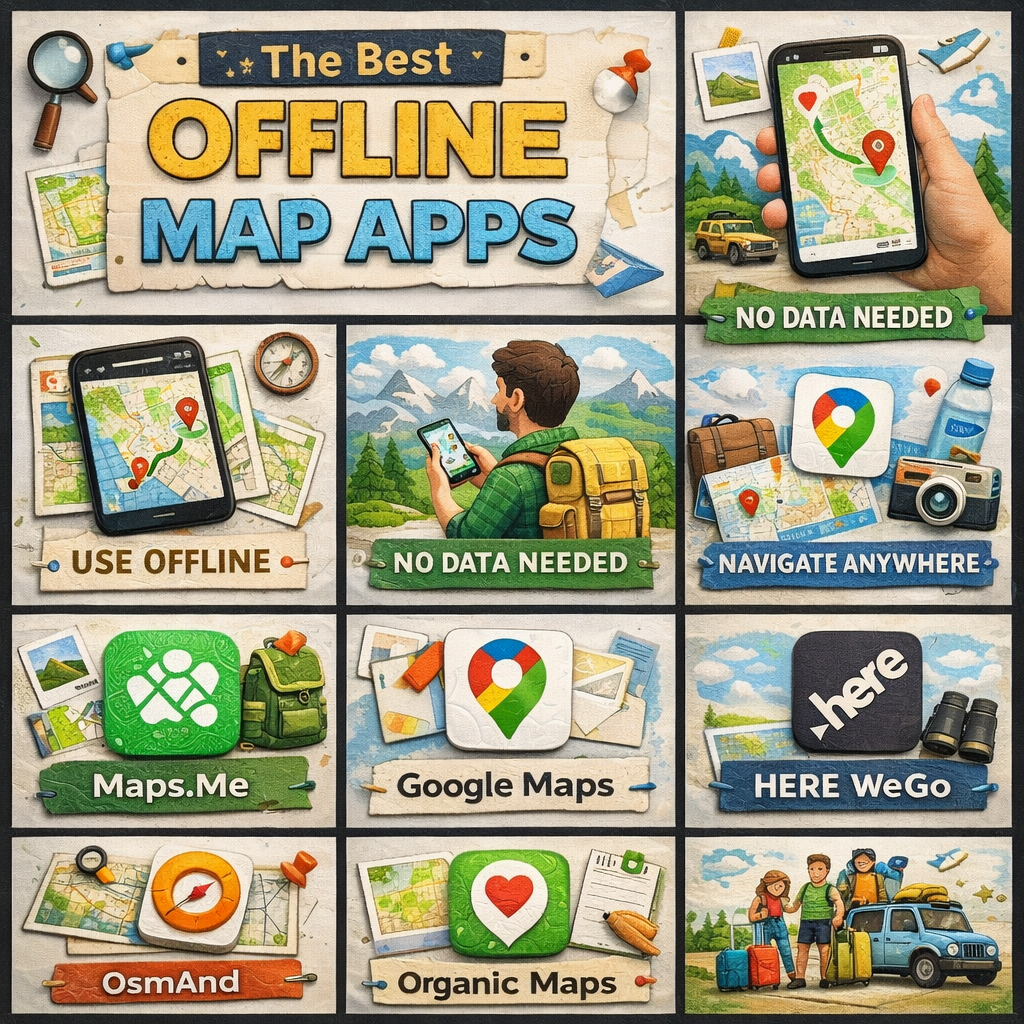
The 8 Best Offline Map Apps for Traveling Without Data
Whether you’re venturing into a remote national park, navigating cobblestone streets in a foreign city, or simply trying to avoid sky-high roaming charges, offline map apps are one of the most essential tools a modern traveler can have. No signal? No problem. Here are the eight best offline map apps that will keep you on track wherever your adventures take you.
1. Maps.me
Best for: Budget travelers and hikers
Maps.me is a free, open-source offline map app powered by OpenStreetMap data, making it one of the most detailed options available — especially for hiking trails, rural paths, and lesser-known destinations. You can download entire country maps for free and access turn-by-turn navigation without spending a dime.
What sets Maps.me apart is its granular detail. It often includes trails, footpaths, and points of interest that Google Maps misses entirely. The interface is clean and intuitive, and downloads are surprisingly compact given the level of detail offered.
Key features: Free map downloads, pedestrian and cycling routes, detailed POI database, search works fully offline.
2. Google Maps (Offline Mode)
Best for: Everyday travelers who want familiarity
Google Maps may be the world’s most popular navigation app, and while most people think of it as an online tool, it does offer a solid offline mode. You can download specific regions to your device and use turn-by-turn navigation, search, and basic place information without a data connection.
The catch is that offline areas have an expiration date (typically 30 days) and the feature isn’t as robust as dedicated offline apps — some features like live traffic, transit directions, and Street View require connectivity. But for short trips to popular destinations, the convenience of staying within an app you already know is hard to beat.
Key features: Familiar interface, turn-by-turn offline navigation, downloadable regions, integration with Google account.
3. OsmAnd
Best for: Power users and outdoor enthusiasts
OsmAnd (OpenStreetMap Automated Navigation Directions) is the offline map app for people who want total control. It’s deeply customizable, supports a staggering range of map styles, and offers features like contour lines, hillshading, and nautical charts — making it equally useful for road trips, hiking, boating, and skiing.
The learning curve is steeper than most apps on this list, but the payoff is enormous. OsmAnd supports offline Wikipedia entries for landmarks, advanced route planning, and even GPX track recording. A free version is available with limited downloads; a one-time purchase unlocks unlimited maps.
Key features: Highly customizable, contour lines and terrain data, offline Wikipedia, GPX support, open-source.
4. HERE WeGo
Best for: City navigation and public transit
HERE WeGo is a polished, professionally maintained offline map app with maps built on HERE’s own proprietary data — the same data that powers many in-car navigation systems. It’s one of the few offline apps that includes offline public transit information for select cities, making it invaluable for urban travelers.
The app covers over 100 countries and offers voice-guided navigation, lane guidance, and speed limit alerts, all without requiring a data connection. It’s particularly strong in Europe and supports multiple languages with ease.
Key features: Offline public transit in select cities, lane guidance, professional-grade maps, multi-language support, free to use.
5. Organic Maps
Best for: Privacy-conscious travelers
Organic Maps is a privacy-first, open-source offline map app that doesn’t collect your data, show ads, or require an account. Built on OpenStreetMap, it’s fast, lightweight, and has excellent battery efficiency — a significant advantage on long days of travel.
While it’s more minimalist than OsmAnd, Organic Maps has been steadily adding features and now offers solid hiking and cycling routing, bookmarks, and a clean, distraction-free interface. If you’re wary of big tech tracking your every movement, Organic Maps is the app for you.
Key features: No ads, no tracking, no account required, excellent battery efficiency, lightweight downloads, open-source.
6. Gaia GPS
Best for: Serious hikers, backpackers, and overlanders
Gaia GPS is the gold standard for outdoor navigation. While it requires a subscription for full access, serious adventurers will find the investment well worth it. The app supports hundreds of map layers including USGS topo maps, National Geographic Trails Illustrated maps, satellite imagery, and weather overlays — all downloadable for offline use.
Gaia GPS shines in the backcountry, where its route planning tools, waypoint management, and track recording capabilities are unmatched. The ability to download high-resolution satellite imagery for offline use alone makes it worth the price for anyone heading into remote terrain.
Key features: Hundreds of map layers, high-res satellite imagery, detailed topo maps, route planning, track recording. Subscription required for full access.
7. Sygic GPS Navigation
Best for: Road trips and long-distance driving
Sygic is a premium offline navigation app designed specifically for drivers. Its maps are built on TomTom data — the same source trusted by automotive navigation systems — and the app offers a feature set to match: 3D building views, speed camera alerts, real-time traffic (when connected), and detailed lane guidance.
Sygic is especially useful for road trippers who want a dedicated GPS experience without relying on mobile data. The free version offers basic navigation; a premium subscription unlocks speed cameras, parking, and real-time traffic features.
Key features: TomTom-powered maps, 3D navigation, speed camera alerts, lane guidance, head-up display (HUD) mode.
8. CityMaps2Go
Best for: Tourist-focused city exploration
CityMaps2Go takes a different approach to offline maps by focusing on curated travel content. Beyond standard navigation, the app layers in travel guide information — hotel ratings, restaurant reviews, attraction descriptions, and travel tips — all accessible offline. It’s essentially a travel guide and map combined into a single app.
For city-hopping tourists who want quick access to recommendations without hunting through multiple apps or guidebooks, CityMaps2Go is an elegant solution. Maps are available as one-time purchases or through a subscription, with frequent sales making it very affordable.
Key features: Integrated travel guide content, offline reviews and ratings, curated recommendations, trip planning tools.
How to Choose the Right Offline Map App
With so many strong options, the best app comes down to your travel style. Here’s a quick guide to help you decide:
- Budget travelers doing a mix of city and outdoor exploration → Maps.me or Organic Maps
- City travelers relying on public transit → HERE WeGo
- Road trippers who want a premium driving experience → Sygic or Google Maps
- Hikers and backpackers in the backcountry → Gaia GPS or OsmAnd
- Privacy-first users who distrust data collection → Organic Maps
- Tourists wanting an all-in-one guide and map → CityMaps2Go
- Tech-savvy power users who want total customization → OsmAnd
Final Tips for Offline Map Success
No matter which app you choose, follow these best practices to make the most of offline maps:
Download before you go. Always download your maps while connected to Wi-Fi, ideally the night before your trip. Downloading large map files on mobile data is slow, expensive, and unreliable.
Download more than you think you need. It’s easy to wander beyond a downloaded region. Download neighboring areas or full country maps to give yourself a buffer.
Save key locations as bookmarks. Mark your hotel, airport, and important landmarks before you leave your hotel room each morning so you can navigate back even if searches aren’t working properly offline.
Carry a portable charger. GPS is one of the most battery-intensive functions on your phone. Offline navigation is more efficient than online navigation, but you’ll still burn through battery faster than normal.
With the right offline map app loaded and ready, you can explore the world with confidence — data or no data.
Also, if you want a custom map developed, reach out to us through our contact page.